The objective of this project was to develop a Discord bot for my Discord server that could promptly provide users with essential information upon command activation, saving time and eliminating the need for repeatedly sending lengthy messages. Moreover, the bot was designed to integrate embedded content, enhancing the user experience and making the bot more engaging. Additionally, the bot was created to inject a touch of fun into the server with interactive commands. This project aided in my comprehension of Python development, deploying the bot utilizing AWS and my home server, and employing APIs like the Discord API to establish a channel for interaction between my self-hosted bot and Discord's programming system.
The initial steps in developing the bot entailed understanding how to install packages within your preferred text editor or programming integrated development environment (IDE), in this instance, Microsoft Visual Studio Code. Installing Python and environment variables might initially seem perplexing; however, adding the environment paths of my Python installation location on Windows proved straightforward. However, not having this setting configured can lead to issues with your code, as the system cannot find the Python installation if it has not been specified in the environment paths.
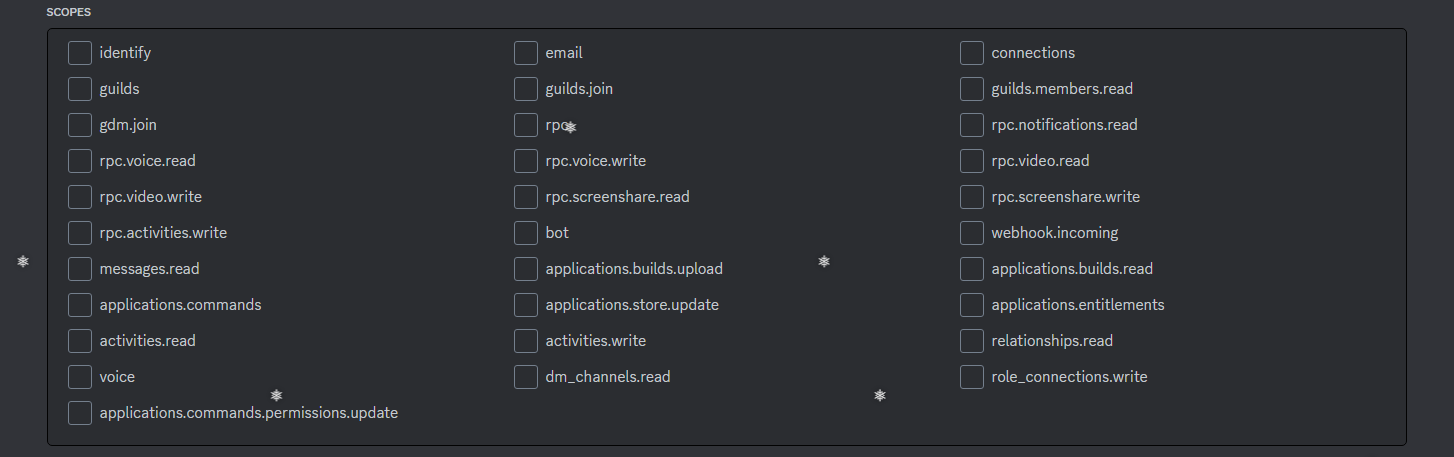
To get the bot working, I obtained the Discord bot token from my Discord Developer Portal account. This token serves as an authorization credential for my bot to interact with the Discord API. Next, I selected the appropriate scopes, which determine the permissions granted to my bot. Carefully selecting the scopes is crucial, as granting too much or too little permission can lead to operational issues. To ensure proper permission assignment, I either tested different scope combinations or thoroughly reviewed their definitions. To minimize security risks, I granted only the necessary permissions to my bot, avoiding the administrator scope. This proactive approach to securing the bot's permissions establishes a robust defense against potential security breaches, safeguarding the server's data confidentiality, integrity, and availability.
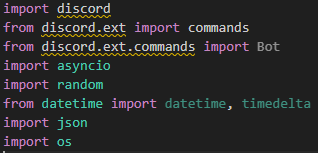
I then identified the libraries and packages necessary to install, such as the Discord library, which grants developers like me the ability to interact with the Discord platform. I also then started to write my code, and after various versions and testing, finally my bot was done. I decided to deploy my bot on an AWS Ubuntu VM; this allowed the bot to run 24/7, but after I migrated my bot to my Proxmox homeserver, The code for this bot has been published on Github, but is currently set to private due to the idea of this bot being used for my own private servers at this moment in time.
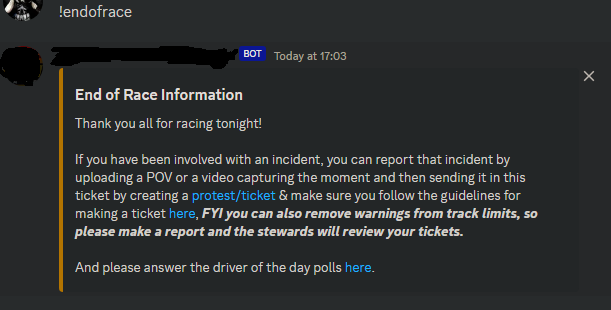
Since the bot works, it has allowed me to automate the sending of messages, provide cool commands for Discord members to use, and embed certain roles into channels to make it easier to understand who has what roles.
Sources: